 Nov 29, 2025 - 0
Minutes read
Nov 29, 2025 - 0
Minutes read
Online Banking Safety: Simple Rules to Protect Your Money
Check your accounts from anywhere—home, work, or on the go—with a few easy habits that keep hackers and scammers out.
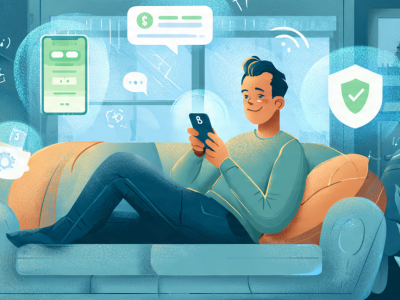
Online banking is one of those modern conveniences that's hard to imagine living without. You can check your balance, pay bills, transfer money, and deposit checks—all from your phone while sitting on your couch in pajamas.
But here's the thing: Your bank account is one of the most valuable targets for hackers and scammers. And unlike a stolen credit card (which has fraud protection), a compromised bank account can be much harder to recover from.
According to the FBI's Internet Crime Complaint Center, Americans lost over $10 billion to cybercrime in 2022—and a significant portion of that involved compromised bank accounts, stolen credentials, and fraudulent transfers.
The good news? You don't need to be a cybersecurity expert to protect yourself. You just need to follow some simple, practical rules—especially when you're checking your accounts in different situations.
This guide breaks down everything you need to know about online banking safety, whether you're at home, at work, traveling, or anywhere in between. No stress, no jargon—just straightforward advice that actually works.
The Basics: Online Banking Safety 101
Before we get into specific situations, let's cover the fundamental rules that apply everywhere, every time.
Rule 1: Use Strong, Unique Passwords
Why it matters:
If a hacker gets your banking password, they can drain your account. And if you use the same password for multiple accounts, one breach can compromise everything.
What to do:
- Create passwords that are at least 12-16 characters long
- Use a mix of uppercase, lowercase, numbers, and symbols
- Never reuse passwords across accounts
- Use a password manager (1Password, Bitwarden, LastPass, Dashlane) to generate and store complex passwords
- Change your banking password every 6-12 months
Example of a strong password: Tr0pic@l!Sunset\$2025
Example of a weak password: password123 or JohnSmith1980
Rule 2: Enable Two-Factor Authentication (2FA)
Why it matters:
Even if someone steals your password, they can't access your account without the second factor (usually a code sent to your phone or generated by an app).
What to do:
- Log into your bank's website or app
- Go to Security Settings
- Enable two-factor authentication (also called "multi-factor authentication" or "2-step verification")
- Use an authenticator app (Google Authenticator, Authy, Microsoft Authenticator) instead of SMS when possible (SMS can be intercepted)
This is non-negotiable. If your bank offers 2FA and you're not using it, enable it today.
Rule 3: Only Use Your Bank's Official App or Website
Why it matters:
Fake banking apps and phishing websites are designed to steal your login credentials.
What to do:
- Download your bank's app only from the official App Store (iPhone) or Google Play Store (Android)
- Always type your bank's URL directly into your browser (e.g., chase.com, bankofamerica.com) or use a saved bookmark
- Never click links in emails or texts claiming to be from your bank
- Check the URL carefully—scammers create fake sites with similar names (e.g., chase-secure.com instead of chase.com)
Red flags:
- Misspelled URLs
- URLs that start with http:// instead of https://
- Pop-ups asking for your login information
- Emails or texts with urgent requests to "verify your account"
Rule 4: Keep Your Devices and Apps Updated
Why it matters:
Software updates include security patches that protect against newly discovered vulnerabilities. Outdated software is easier to hack.
What to do:
- Enable automatic updates on your phone, tablet, and computer
- Update your banking app whenever a new version is available
- Keep your operating system (iOS, Android, Windows, Mac) up to date
- Update your web browser regularly
Rule 5: Monitor Your Accounts Regularly
Why it matters:
The sooner you catch fraudulent activity, the easier it is to stop and reverse.
What to do:
- Check your accounts at least once a week (more often if you're actively using them)
- Review transactions for anything you don't recognize
- Set up account alerts (text or email) for:
- Transactions over a certain amount (e.g., $50 or $100)
- Low balance warnings
- Failed login attempts
- Password changes
- New payees added
If you see something suspicious:
- Contact your bank immediately
- Freeze your account if necessary
- Change your password
- File a fraud report
Online Banking at Home: Best Practices
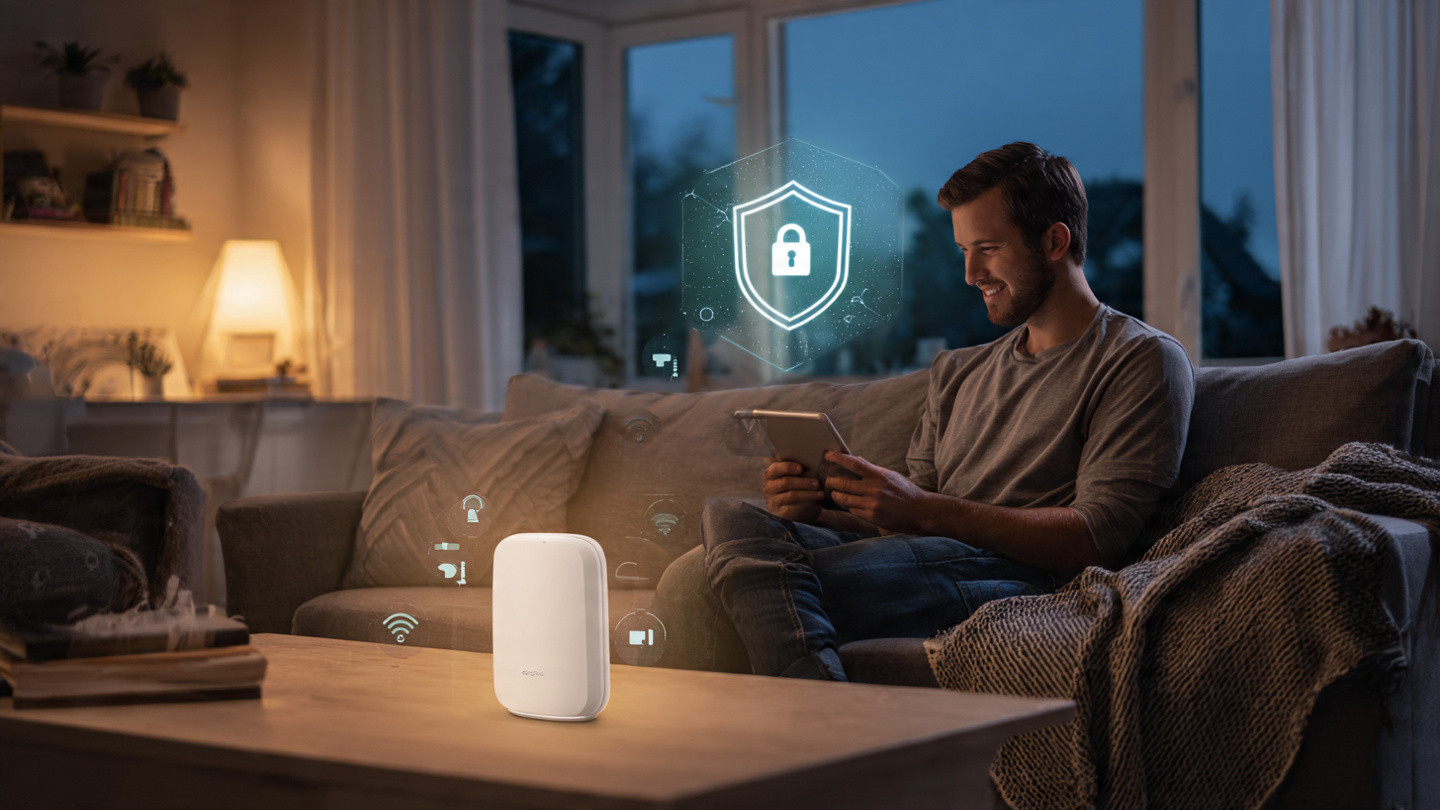
Your home is generally the safest place to do online banking—but only if you follow these guidelines.

1. Use a Secure, Private Wi-Fi Network
What to do:
- Make sure your home Wi-Fi is password-protected (WPA2 or WPA3 encryption)
- Change your router's default admin password
- Don't use your neighbor's Wi-Fi or any network you don't control
- Consider setting up a separate "guest network" for visitors
How to check your Wi-Fi security:
- Log into your router's admin panel (usually by typing 192.168.1.1 or 192.168.0.1 into your browser)
- Look for security settings
- Make sure WPA2 or WPA3 is enabled
2. Use a Trusted Device
What to do:
- Only access your bank account from devices you own and control
- Keep your devices password-protected or locked with biometrics (fingerprint, Face ID)
- Don't let others use your devices unsupervised
- Be cautious about shared family computers—consider using a separate user account for banking
3. Log Out When You're Done
What to do:
- Always log out of your banking session when you're finished
- Don't just close the browser or app—actually log out
- Clear your browser cache and cookies periodically (especially if others use your computer)
4. Be Wary of Phishing Emails and Texts
What to watch for:
Even at home, you're vulnerable to phishing scams. Be suspicious of:
- Emails or texts claiming there's a problem with your account
- Requests to "verify" your information
- Links asking you to log in
- Urgent language ("Your account will be closed!")
- Poor grammar or spelling
What to do:
- Never click links in emails or texts from your bank
- Go directly to your bank's website or app instead
- Call your bank using the number on the back of your card (not a number in the email)
Online Banking at Work: Proceed with Caution
Checking your bank account at work is generally not recommended, but if you must, follow these rules:
1. Avoid Using Your Work Computer
Why:
- Your employer can monitor everything you do on work devices
- Work computers may have keyloggers or monitoring software
- Your login credentials could be stored in browser history or cache
- IT departments can access your browsing history
What to do:
- Use your personal phone instead of your work computer
- If you must use a work computer, use a private/incognito browser window and log out completely when done
2. Don't Use Work Wi-Fi for Sensitive Banking
Why:
- Your employer's network may monitor traffic
- Work networks may have security vulnerabilities
What to do:
- Use your phone's cellular data instead of work Wi-Fi
- If you must use work Wi-Fi, consider using a VPN (Virtual Private Network) for extra security
3. Be Aware of Shoulder Surfers
Why:
In an office environment, coworkers or visitors might see your screen.
What to do:
- Position your screen so others can't see it
- Use a privacy screen protector on your laptop or phone
- Be discreet when entering passwords or PINs
4. Never Save Your Banking Password on a Work Device
Why:
If your work device is compromised, lost, or accessed by IT, your banking credentials could be exposed.
What to do:
- Always enter your password manually
- Decline browser prompts to "save password"
- Use a password manager on your personal device instead
Online Banking on Public Wi-Fi: High Risk, High Caution
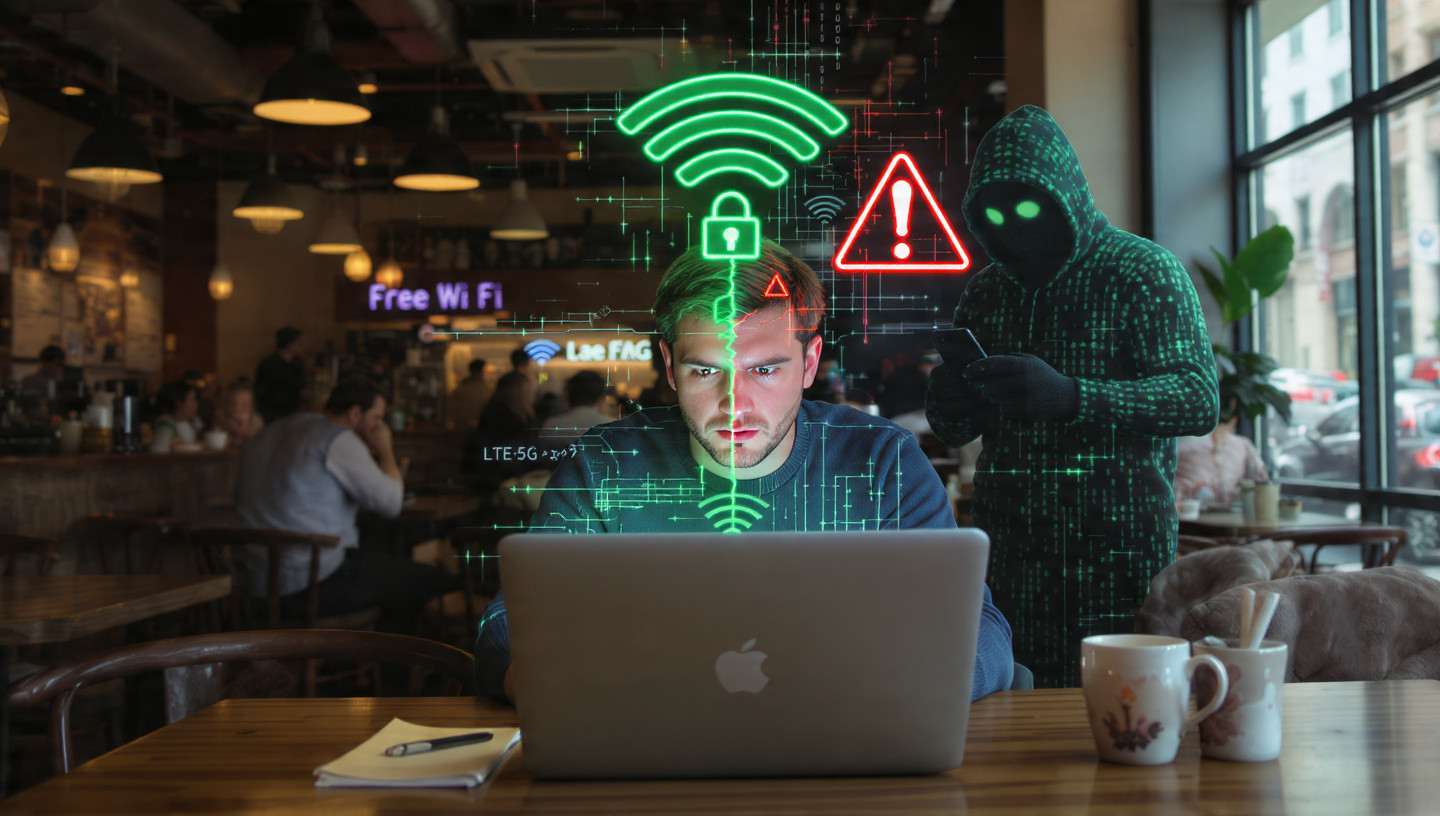
Public Wi-Fi—at coffee shops, airports, hotels, libraries—is the riskiest place to do online banking. Here's why and what to do about it.
Why Public Wi-Fi Is Dangerous
- Unencrypted networks: Many public Wi-Fi networks don't encrypt data, meaning anyone on the network can potentially see what you're doing
- Man-in-the-middle attacks: Hackers can intercept data between your device and the Wi-Fi router
- Fake Wi-Fi networks: Scammers create fake hotspots with names like "Starbucks Free Wi-Fi" to trick you into connecting
- Packet sniffing: Hackers use software to capture data transmitted over the network
The golden rule: Avoid doing online banking on public Wi-Fi whenever possible.
If You Absolutely Must Use Public Wi-Fi for Banking:
1. Use a VPN (Virtual Private Network)
Why:
A VPN encrypts all your internet traffic, making it unreadable to anyone trying to intercept it.
What to do:
- Subscribe to a reputable VPN service (NordVPN, ExpressVPN, Surfshark, ProtonVPN)
- Install the VPN app on your device
- Connect to the VPN before accessing public Wi-Fi
- Then access your bank account
Cost: $2-$13/month depending on the service
2. Use Your Phone's Cellular Data Instead
Why:
Cellular data (4G/5G) is much more secure than public Wi-Fi.
What to do:
- Turn off Wi-Fi on your phone
- Use your cellular data connection
- Check your bank account using your phone's data
This is the safest option if you don't have a VPN.
3. Use Your Phone as a Mobile Hotspot
Why:
Your phone's hotspot creates a private, encrypted connection.
What to do:
- Enable "Personal Hotspot" on your phone
- Connect your laptop or tablet to your phone's hotspot
- Access your bank account through this secure connection
Note: This uses your cellular data, so be aware of your data plan limits.
4. Make Sure the Website Uses HTTPS
Why:
HTTPS encrypts the connection between your browser and the website.
What to do:
- Look for https:// at the beginning of the URL (not just http://)
- Look for a padlock icon in the address bar
- If you don't see these, don't log in
Note: HTTPS is standard for all legitimate banking sites, but it's still worth double-checking.
5. Avoid Sensitive Transactions
What to do:
If you're on public Wi-Fi without a VPN:
- Checking your balance is relatively low-risk
- Avoid transferring money, adding payees, or changing account settings
- Save sensitive transactions for when you're on a secure network
6. Log Out and Clear Your Browser
What to do:
- Log out completely when you're done
- Close all browser windows
- Clear your browser history, cache, and cookies
- Consider using a private/incognito browser window
Online Banking While Traveling: Extra Precautions
Traveling—whether domestic or international—presents unique security challenges.
1. Notify Your Bank Before You Travel
Why:
If your bank sees transactions from an unusual location, they might flag it as fraud and freeze your account.
What to do:
- Call your bank or use their app/website to set a travel notice
- Provide your travel dates and destinations
- This prevents your card from being declined and your account from being frozen
2. Avoid Hotel and Airport Wi-Fi
Why:
These are prime targets for hackers because they're used by many people and often have weak security.
What to do:
- Use your phone's cellular data or a VPN
- If you must use hotel Wi-Fi, ask the front desk for the official network name and password (to avoid fake networks)
3. Be Extra Cautious with ATMs
Why:
ATMs can be compromised with skimmers (devices that steal card information) or cameras that record your PIN.
What to do:
- Use ATMs inside banks rather than standalone machines
- Check for anything unusual (loose card readers, tiny cameras, fake keypads)
- Cover the keypad with your hand when entering your PIN
- Check your account immediately after using an ATM
4. Use Credit Cards Instead of Debit Cards When Possible
Why:
Credit cards have better fraud protection. If your debit card is compromised, money is taken directly from your bank account.
What to do:
- Use credit cards for purchases while traveling
- Keep your debit card as a backup
- If your debit card is compromised, report it immediately
5. Monitor Your Accounts More Frequently
What to do:
- Check your accounts daily while traveling
- Set up transaction alerts
- Report suspicious activity immediately
6. Have Backup Access to Your Accounts
What to do:
- Save your bank's customer service number in your phone (not just on the back of your card)
- Know how to freeze your account remotely if needed
- Have a backup payment method (second card, cash, etc.)
- Consider carrying a small amount of cash for emergencies
Special Situations: When Extra Caution Is Needed
Using a Shared or Public Computer (Library, Internet Cafe, etc.)
Best advice: Don't do it. But if you absolutely must:
- Use a private/incognito browser window
- Never save your password
- Log out completely when done
- Clear all browser history, cache, and cookies
- Assume everything you do is being monitored
- Change your password as soon as you get to a secure device
Using Someone Else's Phone or Device
Best advice: Avoid it. But if necessary:
- Use a private/incognito browser window
- Don't download your bank's app on their device
- Log out completely
- Don't save any information
- Change your password later from your own device
After Your Device Is Lost or Stolen
What to do immediately:
- Call your bank and report the situation
- Freeze or close your accounts if necessary
- Change your passwords from a secure device
- Enable remote wipe on your device if possible (Find My iPhone, Find My Device for Android)
- Monitor your accounts closely for fraudulent activity
- File a police report if needed
- Consider placing a fraud alert on your credit reports
If You Suspect Your Account Has Been Compromised
Warning signs:
- Transactions you don't recognize
- Failed login attempts you didn't make
- Password reset emails you didn't request
- Account alerts for changes you didn't make
- Money missing from your account
What to do immediately:
- Call your bank right away (use the number on the back of your card)
- Change your password from a secure device
- Review all recent transactions
- Freeze your account if necessary
- File a fraud report with your bank
- Check your credit reports for suspicious activity
- Consider placing a credit freeze with the three major credit bureaus (Equifax, Experian, TransUnion)
- Report to the FTC at identitytheft.gov
Banking App vs. Mobile Browser: Which Is Safer?
Short answer: The official banking app is generally safer.
Why:
- Apps are harder to fake than websites
- Apps often have additional security features (biometric login, app-specific PINs)
- Apps don't rely on browser security
- Apps are less vulnerable to phishing attacks
Best practices for banking apps:
- Only download from official app stores
- Keep the app updated
- Enable biometric login (fingerprint, Face ID)
- Set up app-specific security (PIN, pattern)
- Don't jailbreak (iPhone) or root (Android) your device—this weakens security
Red Flags: Signs Your Banking Session Isn't Safe
Stop immediately if you notice:
- The URL looks wrong or misspelled
- You're redirected to an unexpected page
- The site asks for unusual information (Social Security number, mother's maiden name, full account number)
- Pop-ups appear asking for login credentials
- The site doesn't use HTTPS
- Your browser shows security warnings
- The site looks different than usual
- You're asked to download software or files
If you see any of these, close the browser immediately and contact your bank.
Quick Reference: Online Banking Safety Checklist
Before you log in:
- ✓ Are you on a secure network (home Wi-Fi or cellular data)?
- ✓ Are you using a trusted device?
- ✓ Is your device updated and protected?
- ✓ Are you using the official bank app or website?
- ✓ Is the URL correct and using HTTPS?
While you're logged in:
- ✓ Is your screen private (no shoulder surfers)?
- ✓ Are you avoiding sensitive transactions on public Wi-Fi?
- ✓ Are you monitoring for anything unusual?
After you're done:
- ✓ Did you log out completely?
- ✓ Did you close the browser/app?
- ✓ Did you clear browser data if using a shared device?
The Bottom Line: Banking Safely Is About Building Good Habits
Online banking doesn't have to be stressful. You don't need to be paranoid or avoid it altogether.
You just need to build a few simple, consistent habits:
- Use strong passwords and 2FA (non-negotiable)
- Stick to secure networks (home Wi-Fi or cellular data)
- Avoid public Wi-Fi (or use a VPN if you must)
- Use your bank's official app (not random websites)
- Monitor your accounts regularly (catch fraud early)
- Trust your instincts (if something feels off, stop and verify)
Think of it like locking your car or your front door. It takes two seconds, it becomes automatic, and it protects something valuable.
Your bank account is worth protecting. And with these simple rules, you can check it anytime, anywhere—without the stress.
Stay safe, stay smart, and happy banking.