 Dec 01, 2025 - 0
Minutes read
Dec 01, 2025 - 0
Minutes read
Is Your Phone Telling Too Much? The Hidden Dangers of Location Sharing
Live photos, check-ins, and location tags seem harmless—until they put your safety, privacy, and even your home at risk. Here’s how to stay connected without oversharing.
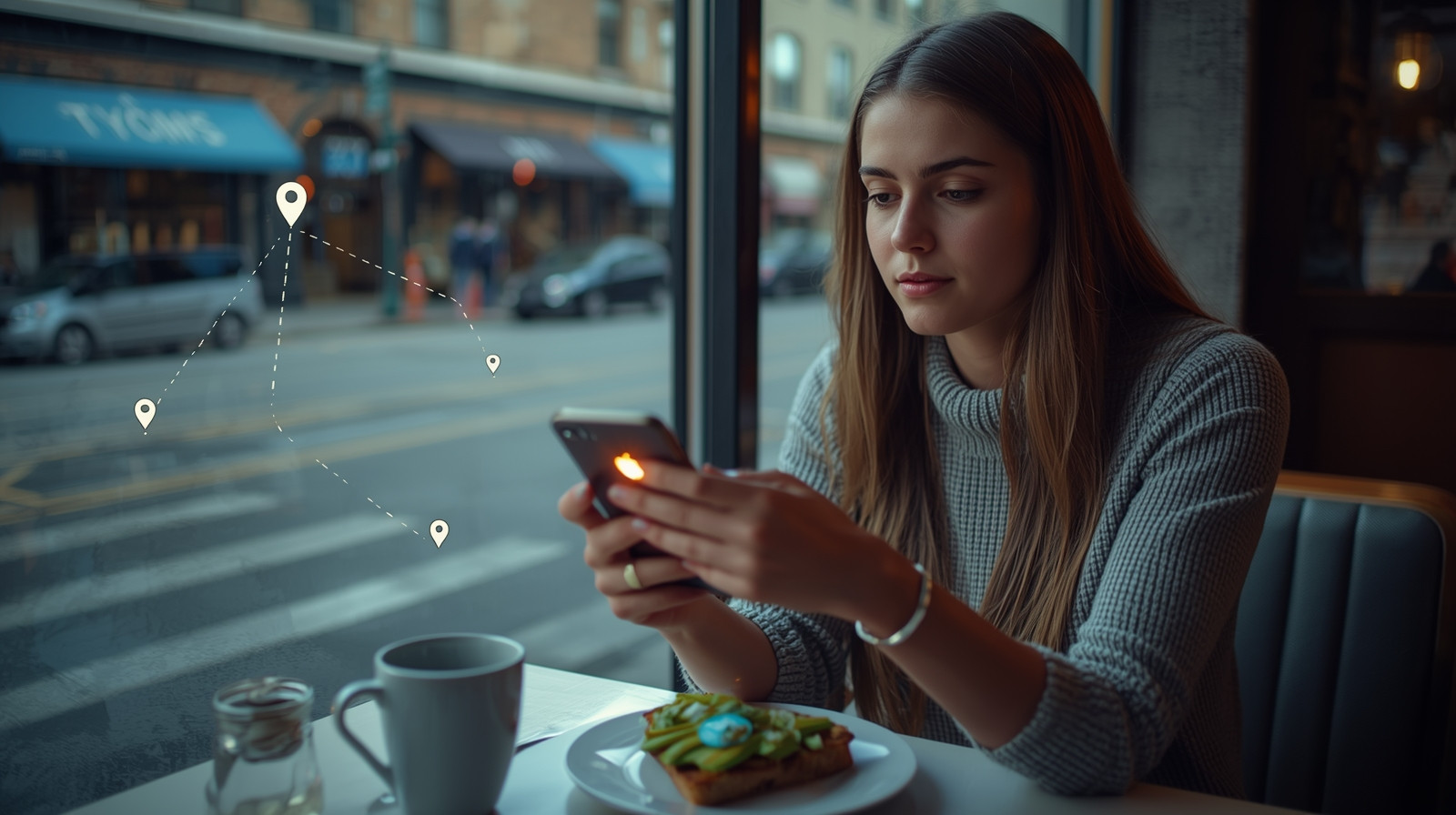
You're at your favorite brunch spot, and the avocado toast looks perfect. You snap a photo, add a location tag, and post it to Instagram. A few hours later, you check in at the gym on Facebook. That evening, you share your live location with friends so they can find you at the concert.
It all feels harmless—even fun. You're sharing your life, staying connected, and letting people know where the good food is.
But here's what's also happening: You're creating a detailed, public map of your life. Where you go, when you go there, who you're with, and what you're doing. And that information is being collected, stored, and potentially used in ways you might not expect—or want.
According to a Pew Research study, 41% of Americans have experienced online harassment, and location data plays a role in many cases of stalking, burglary, and identity theft.
So how much location sharing is too much? And how do you stay connected without putting yourself at risk?
This guide breaks down the risks of location sharing, live photos, and check-ins—and gives you practical ways to protect yourself while still enjoying social media.
What Is Location Sharing (and Why Does It Matter)?
Location sharing is any time you reveal where you are—or where you've been—online. This includes:
- Check-ins (Facebook, Foursquare, Yelp)
- Location tags (Instagram, Twitter/X, TikTok)
- Geotagged photos (photos with embedded GPS coordinates)
- Live location sharing (Find My Friends, Snapchat Map, Google Maps)
- Stories with location stickers (Instagram, Facebook)
- Posts that mention specific places ("At Starbucks on Main Street!")
Why it matters:
Every time you share your location, you're giving away information that can be used to:
- Track your movements and routines
- Determine when you're not home (hello, burglars)
- Stalk or harass you
- Steal your identity (knowing where you bank, shop, work, etc.)
- Target you with ads (less dangerous, but still invasive)
- Build a profile of your life (by data brokers, advertisers, or bad actors)
And here's the kicker: Even if you delete a post, the data often remains in the platform's servers, third-party databases, or screenshots others have taken.
The Real Risks of Oversharing Your Location
Let's break down what can actually go wrong when you share too much about where you are.
1. Burglary and Theft
The scenario:
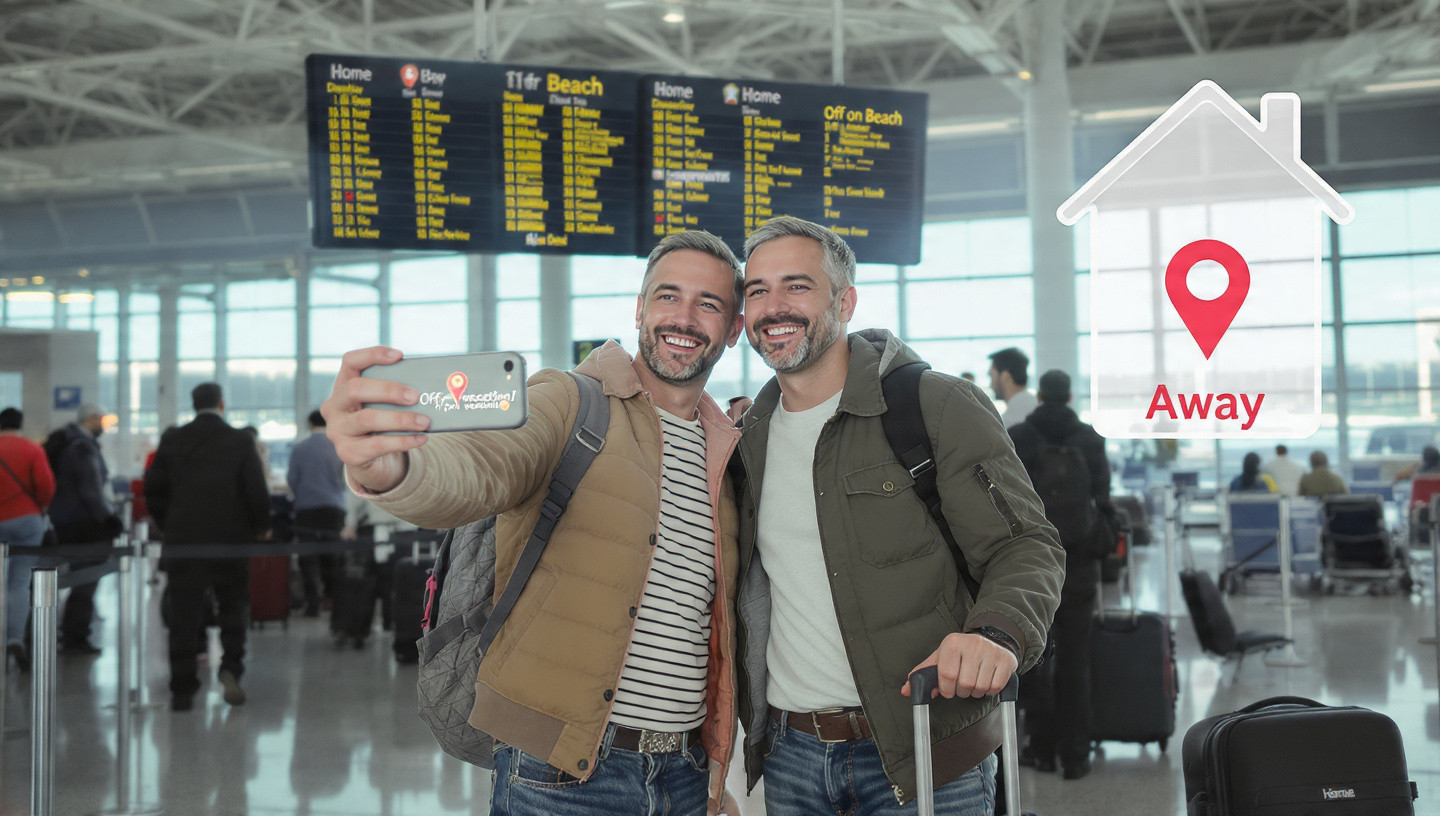
You post a photo from the airport: "Off to Hawaii for two weeks! ☀️🌴" with a location tag.
The risk:
You've just announced to the world (or at least your followers) that your home is empty. Burglars actively monitor social media for exactly this kind of information.
Real-life example:
In 2010, a website called "Please Rob Me" was created to demonstrate how easy it is to find out when people aren't home based on their social media check-ins. The site pulled public check-ins from Foursquare and other platforms, showing in real-time who was away from home.
The site was taken down after making its point, but the risk remains.
2. Stalking and Harassment
The scenario:
You regularly check in at your gym, favorite coffee shop, or yoga studio. You post Instagram stories with location tags showing where you are right now.
The risk:
Someone with bad intentions can learn your routine—where you go, when you go there, and how to find you. This applies to:
- Ex-partners
- Online harassers
- Strangers who become fixated on you
Real-life example:
Multiple stalking cases have involved perpetrators using social media location data to track victims. In some cases, victims didn't realize they were sharing their location through geotagged photos or automatic check-ins.
3. Identity Theft and Fraud
The scenario:
You post photos from your bank, doctor's office, or workplace. You check in at your child's school or daycare.
The risk:
This information helps identity thieves build a profile of your life:
- Where you bank
- Where you work
- Where your kids go to school
- Your daily routine
Combined with other publicly available information (birthdate, full name, etc.), this can be used for:
- Opening credit cards or loans in your name
- Answering security questions ("What bank do you use?" "Where did you go to school?")
- Social engineering attacks (calling your bank pretending to be you)
4. Physical Safety Threats
The scenario:
You're a woman traveling alone and you post real-time updates of your location. Or you're at a protest or political event and you check in.
The risk:
You're making yourself vulnerable to:
- Predators who know you're alone
- Harassment or violence based on your location or activities
- Unwanted attention or confrontation
Real-life example:
Journalists, activists, and public figures have been targeted based on location data shared on social media. But everyday people are at risk too—especially women, LGBTQ+ individuals, and anyone in a vulnerable situation.
5. Employer or Legal Issues
The scenario:
You call in sick to work, then post a check-in at a concert or beach. Or you're involved in a legal case and your location data contradicts your testimony.
The risk:
- Getting fired for lying to your employer
- Damaging your credibility in legal proceedings
- Violating restraining orders or custody agreements
Real-life example:
Multiple people have been fired after their social media posts revealed they weren't actually sick or where they claimed to be. Location data has also been used as evidence in divorce, custody, and criminal cases.
6. Data Collection and Surveillance
The scenario:
You share your location regularly on social media, use location-based apps, and have location services turned on for dozens of apps.
The risk:
Your location data is being:
- Collected by social media platforms
- Sold to data brokers
- Used to build detailed profiles of your behavior
- Potentially accessed by law enforcement or government agencies
- Used for targeted advertising
The reality:
Even if you're not posting publicly, many apps track your location in the background and sell that data. A 2018 New York Times investigation found that at least 75 companies receive anonymous, precise location data from smartphone apps—data that can often be traced back to individuals.
How Location Data Gets Shared (Even When You Don't Realize It)
You might think you're being careful, but location data can leak in surprising ways:
1. Geotagged Photos
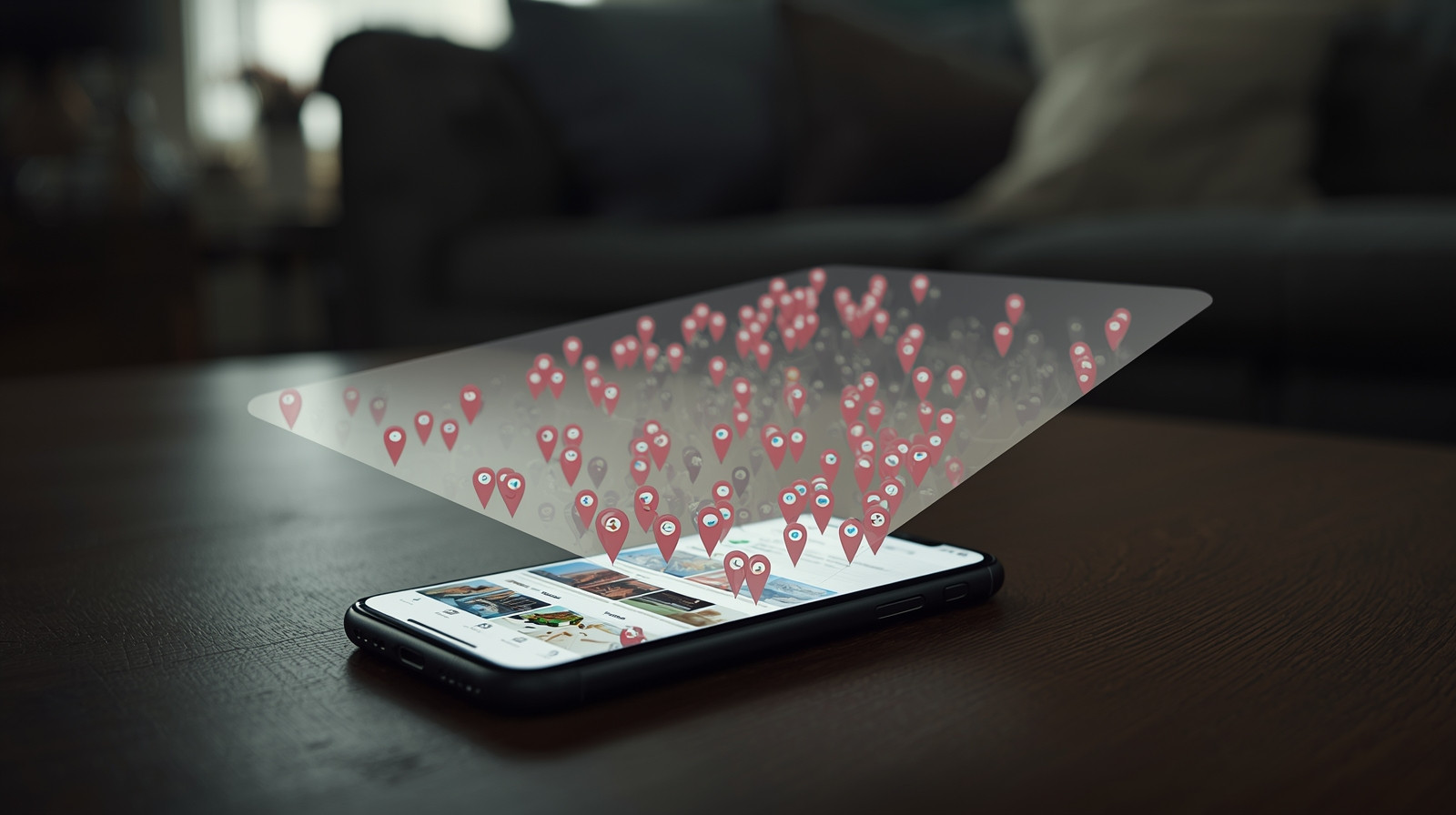
When you take a photo with your smartphone, it often embeds GPS coordinates in the image file (called EXIF data). If you upload that photo to social media, forums, or websites, anyone can extract the coordinates and see exactly where the photo was taken.
The fix:
- Turn off location services for your camera app
- Use apps or websites that strip EXIF data before posting
- Check your phone's settings to disable geotagging
2. Background Location Tracking
Many apps track your location even when you're not actively using them:
- Social media apps
- Weather apps
- Shopping apps
- Games
- Fitness trackers
The fix:
- Go to your phone's settings and review which apps have location access
- Change permissions to "While Using the App" or "Never" for apps that don't need it
- Regularly audit your app permissions
3. Wi-Fi and Bluetooth
When your phone's Wi-Fi or Bluetooth is on, it constantly broadcasts signals that can be used to track your location—even if you're not connected to a network.
Stores, malls, and advertisers use this to track foot traffic and target ads.
The fix:
- Turn off Wi-Fi and Bluetooth when you're not using them
- Disable "Wi-Fi scanning" and "Bluetooth scanning" in your phone's location settings
4. Social Media "Nearby" Features
Apps like Snapchat (Snap Map), Facebook (Nearby Friends), and dating apps show your approximate location to others.
The fix:
- Turn off these features in your app settings
- Use "Ghost Mode" on Snapchat
- Disable "Nearby Friends" on Facebook
5. Metadata in Posts
Even if you don't explicitly tag your location, details in your posts can reveal where you are:
- Recognizable landmarks in the background
- Business names or signs
- Uniforms or logos
- Reflections in windows or glasses
- Timestamps combined with other posts
The fix:
- Be mindful of what's visible in your photos
- Avoid posting in real-time
- Review photos before posting
How to Share Safely: Practical Guidelines
You don't have to go completely off the grid. Here's how to find a balance between sharing your life and protecting your privacy.
1. Follow the "After, Not During" Rule
Don't post: "At the beach right now! 🏖️"
Do post: "Had an amazing day at the beach yesterday! 🏖️"
Wait until you've left a location before posting about it. This way, you're sharing memories without broadcasting your real-time whereabouts.
2. Be Vague About Locations
Don't post: "At Starbucks on 5th and Main"
Do post: "Coffee break ☕" (no location tag)
You can share what you're doing without revealing exactly where you are.
3. Turn Off Automatic Location Tagging
On Instagram:
- Settings → Privacy → Location Services → Never (or While Using)
- Don't add location stickers to stories
- Don't tag locations in posts

On Facebook:
- Settings & Privacy → Settings → Location → Turn off location services
- Don't check in
- Remove location from posts
On Twitter/X:
- Settings → Privacy and Safety → Location Information → Turn off "Add location information to your posts"
On TikTok:
- Settings → Privacy → Location Services → Turn off
4. Disable Geotagging on Your Camera
On iPhone:
- Settings → Privacy & Security → Location Services → Camera → Never
On Android:
- Settings → Location → App permissions → Camera → Don't allow
5. Review and Limit App Permissions
On iPhone:
- Settings → Privacy & Security → Location Services
- Review each app and change to "Never" or "While Using the App"
On Android:
- Settings → Location → App permissions
- Review and adjust permissions
Apps that rarely need location access:
- Social media (unless you specifically want to tag locations)
- Games
- Shopping apps
- Note-taking apps
- Photo editing apps
6. Use "Close Friends" or Private Groups
If you want to share your location with specific people:
- Use Instagram's "Close Friends" feature for stories
- Create private Facebook groups for family
- Share location directly via text or messaging apps (and turn it off when done)
7. Turn Off "Nearby Friends" and Map Features
Facebook:
- Settings → Location → Nearby Friends → Turn off
Snapchat:
- Settings → See My Location → Ghost Mode
Find My (iPhone):
- Only share your location with people you trust
- Use "Share for One Hour" or "Share Until End of Day" instead of "Share Indefinitely"
- Review who can see your location regularly
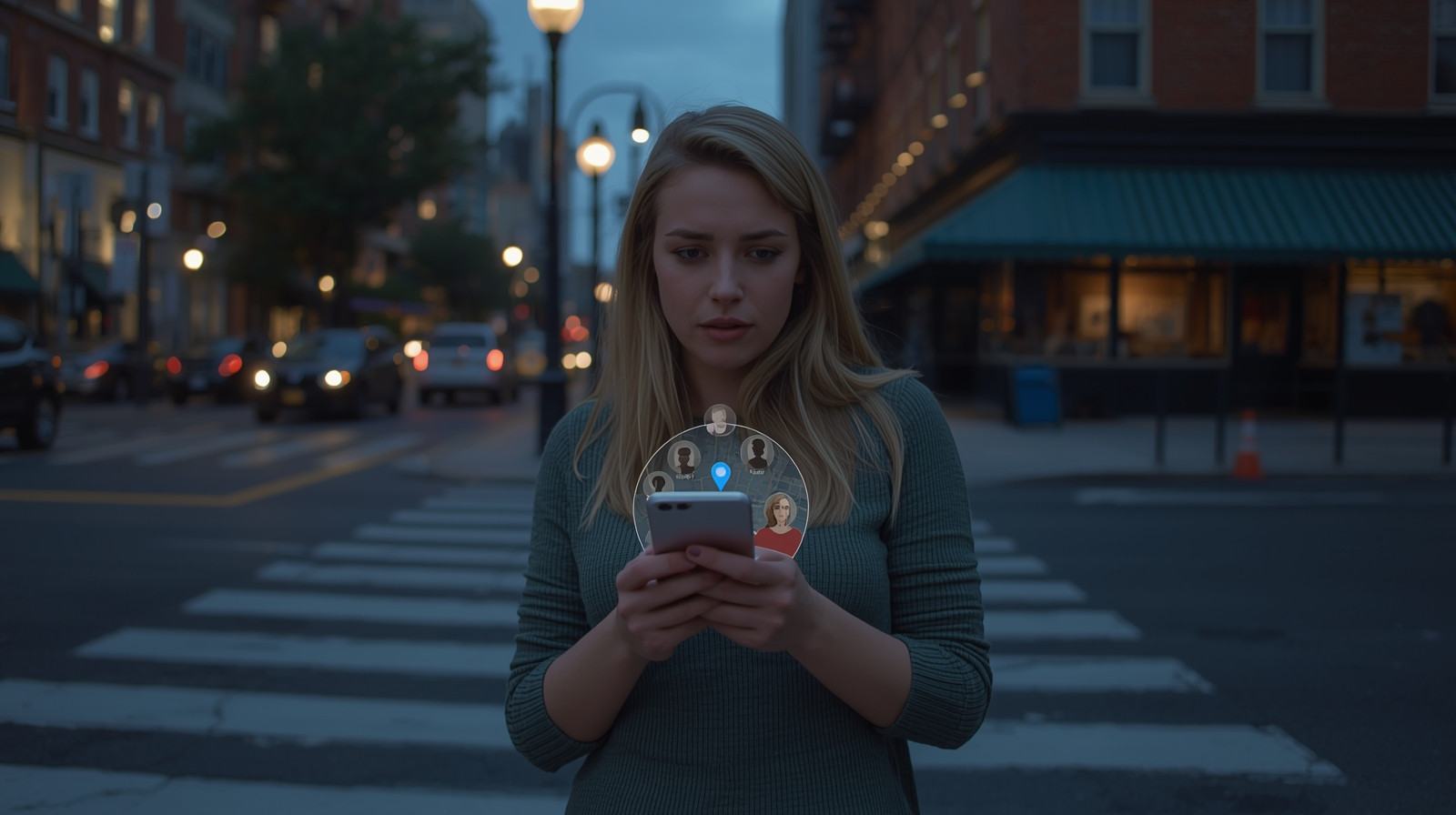
8. Be Careful with Live Location Sharing
Apps like Find My Friends, Google Maps, and Life360 let you share your real-time location.
Use these features only:
- With people you completely trust
- For specific, limited purposes (meeting up, safety check-ins)
- Temporarily (turn it off when you're done)
Never:
- Share your live location publicly
- Leave it on indefinitely without reviewing who has access
- Share with people you've just met or don't know well
9. Don't Tag Your Home, Work, or Kids' Schools
These are the most sensitive locations in your life. Never:
- Check in at home
- Tag your home address in photos
- Post about being at your child's school or daycare
- Tag your workplace (especially if you work from home)
10. Think Before You Tag Others
If you're with friends or family, don't tag their location without asking. They might not want their whereabouts shared.
Special Considerations for Different Situations
If You're Traveling:
- Don't post in real-time—wait until you're back home
- Don't announce your travel dates publicly
- Be vague about your destination ("Somewhere tropical" instead of "Maui, Hawaii")
- Don't post photos of your boarding pass, hotel room number, or rental car
- Consider having someone check on your home or make it look occupied
If You're a Woman or LGBTQ+ Individual:
You may face higher risks of harassment or stalking. Extra precautions:
- Keep your location private by default
- Be especially cautious about real-time sharing
- Don't establish predictable routines on social media
- Consider using a pseudonym or not linking your real identity to location-based posts
If You Have Kids:
- Never share your child's real-time location publicly
- Don't check in at their school, daycare, or regular activities
- Don't post photos with school uniforms, team jerseys with names, or identifiable locations
- Teach older kids about location privacy before they get their own phones
If You're in a Domestic Violence Situation:
- Turn off all location sharing immediately
- Disable location services on your phone
- Check for tracking apps your abuser may have installed
- Don't post anything that reveals your location
- Consider getting a new phone and accounts your abuser doesn't know about
- Contact the National Domestic Violence Hotline: 1-800-799-7233
If You're a Public Figure or Influencer:
- Be extremely cautious about real-time location sharing
- Consider using a P.O. box instead of your home address for business
- Don't establish predictable patterns
- Use security features like two-factor authentication
- Consider working with a security professional if you receive threats
How to Do a Location Privacy Audit
Take 30 minutes to review and tighten your location privacy:
Step 1: Check Your Phone Settings
- Review which apps have location access
- Turn off location for apps that don't need it
- Disable geotagging on your camera
- Turn off Wi-Fi and Bluetooth scanning
Step 2: Review Your Social Media Settings
- Turn off automatic location tagging
- Disable "Nearby Friends" and map features
- Check your privacy settings (who can see your posts?)
- Review past posts and remove location tags
Step 3: Audit Your Apps
- Delete apps you don't use
- Review privacy policies for apps that track location
- Turn off background location tracking where possible
Step 4: Google Yourself
- Search your name + location-related terms
- See what location information is publicly available
- Request removal of sensitive information where possible
Step 5: Talk to Your Family
- Make sure everyone understands location privacy
- Set family guidelines about location sharing
- Review kids' app permissions and social media settings
When Location Sharing Makes Sense
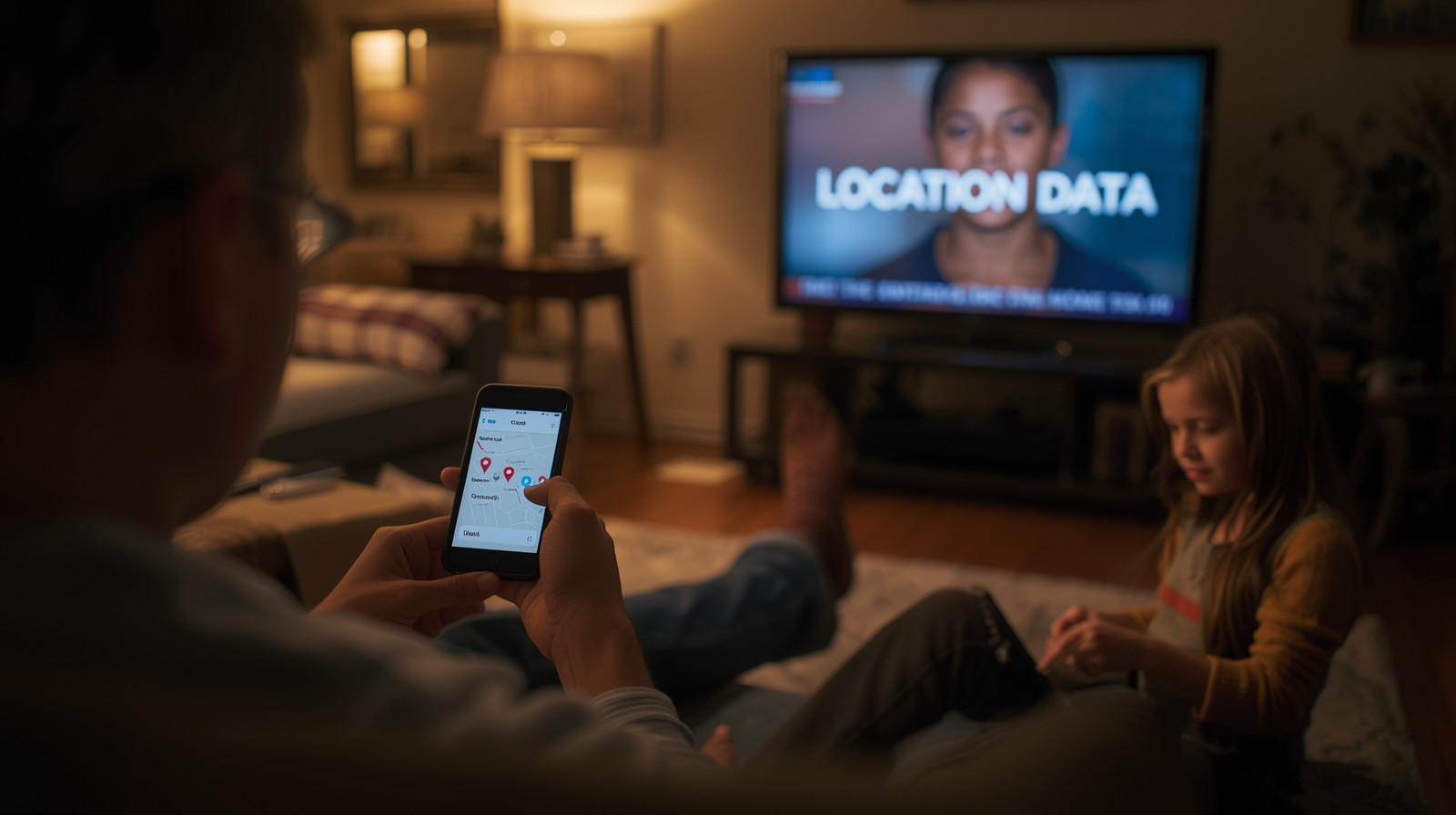
Location sharing isn't always bad. There are legitimate, helpful uses:
Safety check-ins:
- Letting family know you arrived safely
- Sharing location during a road trip or hike
- Emergency situations
Meeting up with friends:
- Temporarily sharing location to find each other
- Coordinating at large events
Family coordination:
- Parents tracking young children's devices
- Elderly family members sharing location for safety
The key: Share intentionally, temporarily, and only with people you trust completely.
The Bottom Line: Your Location Is Your Business
Here's the thing: your location data is valuable—to advertisers, data brokers, and unfortunately, to people with bad intentions.
Every check-in, every location tag, every geotagged photo is a piece of information you're giving away. And once it's out there, you can't fully control what happens to it.
That doesn't mean you have to live in fear or never share anything. It just means you should be intentional and thoughtful about what you share, when you share it, and who can see it.
Ask yourself before posting:
- Does anyone really need to know where I am right now?
- Could this information be used against me?
- Am I sharing this for a good reason, or just out of habit?
Remember:
- Share after, not during
- Be vague, not specific
- Share with close friends, not the public
- Turn off automatic location features
- Review your settings regularly
Your location is part of your privacy—and you have every right to keep it to yourself.
Stay safe, stay smart, and think twice before you check in.