 Nov 30, 2025 - 0
Minutes read
Nov 30, 2025 - 0
Minutes read
How to Lock Down Your Teen’s Social Media (Without Losing Their Trust)
A practical guide for U.S. parents to protect teens from online predators, bullying, and scams—without turning every conversation into a fight.
Let's be honest: talking to your teenager about social media privacy is probably not going to be a fun conversation.
You're worried about online predators, cyberbullying, identity theft, and all the other digital dangers that keep you up at night. Your teen thinks you're overreacting, invading their privacy, and "just don't understand."
And here's the uncomfortable truth: You're both kind of right.
The internet is full of real risks—especially for teens who haven't fully developed the judgment to navigate them. But your teen also has a legitimate need for privacy, independence, and social connection. Heavy-handed restrictions without explanation can backfire, damaging your relationship and making them more likely to hide things from you.
So how do you protect your teen online without turning your home into a battlefield?
This guide gives you practical, realistic strategies for helping your teen stay safe on social media—while maintaining trust, respecting their growing independence, and (hopefully) avoiding World War III.
Why Social Media Safety Matters for Teens
Before we dive into the "how," let's quickly cover the "why"—because your teen will definitely ask.
The risks are real:
- Cyberbullying: 59% of U.S. teens have experienced some form of cyberbullying, according to Pew Research
- Online predators: Teens are targeted for grooming, exploitation, and trafficking
- Mental health: Heavy social media use is linked to anxiety, depression, and poor self-esteem
- Privacy violations: Teens often overshare personal information without understanding the consequences
- Scams and fraud: Teens are targeted with phishing, fake giveaways, and financial scams
- Reputation damage: Posts can affect college admissions, job opportunities, and relationships
- Exposure to inappropriate content: Violence, pornography, self-harm, and extremist content
But here's what your teen needs to understand:
You're not trying to ruin their life or spy on them. You're trying to teach them skills they'll need for the rest of their lives—because the internet is forever, and mistakes made at 14 can follow them to 24 and beyond.
The Foundation: Start with Conversation, Not Control
Here's the biggest mistake parents make: jumping straight to restrictions without explanation.
If you suddenly announce you're taking over their accounts, installing monitoring software, or banning certain apps, your teen will:
- Feel violated and distrusted
- Become defensive and secretive
- Find ways around your restrictions
- Damage your relationship
A better approach:

Start with an honest, respectful conversation about why social media safety matters—and involve them in creating the rules.
How to Have "The Talk" (Without It Becoming a Fight)
1. Pick the Right Time and Place
Don't:
- Ambush them when they're on their phone
- Bring it up during an argument
- Have the conversation when you're angry or they're stressed
Do:
- Choose a calm, neutral time
- Make it a two-way conversation, not a lecture
- Consider doing it during a car ride or walk (side-by-side conversations can feel less confrontational)
2. Start with Curiosity, Not Accusations
Don't say:
- "I saw what you posted and it was completely inappropriate."
- "You're spending way too much time on that phone."
- "I don't trust you online."
Do say:
- "I'd love to understand more about what apps you're using and what you like about them."
- "Can you help me understand how you and your friends use social media?"
- "I want to make sure you're safe online. Can we talk about some things I'm worried about?"
3. Share Real Examples (Not Scare Tactics)
Teens respond better to real stories than vague warnings.
Instead of: "There are predators online!"
Try: "Did you hear about the case where a teen thought they were talking to someone their age, but it turned out to be an adult pretending? That's why I worry about who you're talking to online."
Instead of: "Everything you post will ruin your future!"
Try: "Colleges and employers actually do check social media. There was a story about a student who lost a scholarship because of old posts. I want to help you avoid that."
4. Acknowledge Their Perspective
Say things like:
- "I know social media is how you stay connected with friends, and that's important."
- "I'm not trying to invade your privacy or control your life."
- "I remember what it was like to want independence at your age."
- "I trust you, but I also know the internet can be tricky—even for adults."
5. Collaborate on Rules
Instead of: "Here are the rules. Follow them or lose your phone."
Try: "Let's come up with some guidelines together. What do you think is reasonable?"
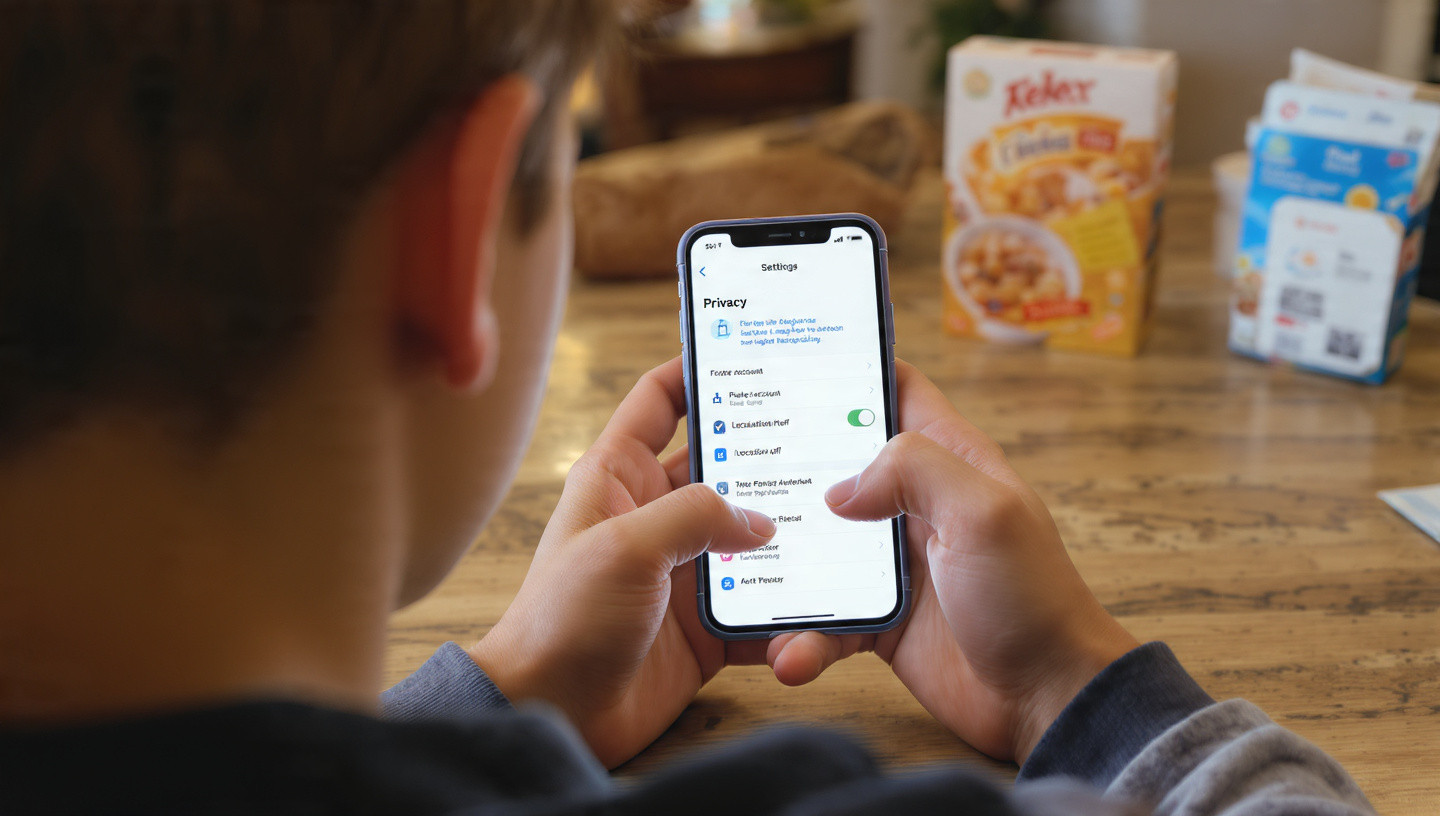
When teens have input, they're more likely to follow through—and they'll learn critical thinking skills about online safety.
The Essential Social Media Safety Rules for Teens
Here are the non-negotiables—the rules that should apply to every teen's social media use. Present these as starting points for discussion, not ultimatums.
Rule 1: Accounts Must Be Private
Why it matters:
Public accounts mean anyone—strangers, predators, scammers—can see your teen's posts, photos, and personal information.
How to do it:
Instagram:
- Settings → Privacy → Private Account (toggle on)
- Settings → Privacy → Story → Hide Story From (select people if needed)
TikTok:
- Settings → Privacy → Private Account (toggle on)
- Settings → Privacy → Suggest your account to others (turn off)
Snapchat:
- Settings → Who Can... → Contact Me → My Friends
- Settings → Who Can... → View My Story → My Friends
- Settings → See My Location → Ghost Mode
Facebook:
- Settings → Privacy → Who can see your future posts? → Friends
- Settings → Privacy → Limit Past Posts
Twitter/X:
- Settings → Privacy and Safety → Protect your posts (toggle on)
Rule 2: No Accepting Friend/Follow Requests from Strangers
Why it matters:
Predators, scammers, and bullies often create fake accounts to target teens.
The guideline:
Only accept requests from people you know in real life. If you don't recognize the name or face, don't accept.
Red flags to watch for:
- Accounts with few followers or posts
- Profile pictures that look like stock photos or models
- Accounts that only follow young people
- Messages that seem too friendly too fast
- Requests for personal information or photos

Rule 3: Never Share Personal Information Publicly
What counts as personal information:
- Full name (especially combined with location)
- Phone number
- Home address or specific location
- School name
- Birthdate
- Social Security number
- Financial information
- Passwords or login information
The guideline:
Keep this information private. Don't put it in your bio, posts, or messages to people you don't know well.
Rule 4: Turn Off Location Services and Don't Geotagg Posts
Why it matters:
Location data can be used to track your teen, learn their routine, or figure out when they're not home.
How to do it:
- Turn off location services for social media apps
- Don't use location tags or check-ins
- Don't post in real-time (wait until after you've left a place)
- Use "Ghost Mode" on Snapchat Map
Rule 5: Think Before You Post
The guideline:
Before posting anything, ask yourself:
- Would I be okay with my parents, teachers, or future employers seeing this?
- Could this hurt or embarrass someone?
- Does this reveal too much personal information?
- Could this be misunderstood or taken out of context?
- Will I still be okay with this being online in 5 years?
The rule of thumb:
If you have to ask "Should I post this?" the answer is probably no.
Rule 6: No Posting Photos of Illegal or Risky Behavior
This includes:
- Underage drinking or drug use
- Dangerous stunts or challenges
- Bullying or harassment
- Anything illegal
- Anything you wouldn't want a college admissions officer or future employer to see
Why it matters:
These posts can have serious consequences—legal trouble, school discipline, lost opportunities, and permanent reputation damage.
Rule 7: Report and Block Bullying, Harassment, or Inappropriate Contact
The guideline:
If someone is:
- Bullying or harassing you
- Asking for inappropriate photos
- Making you uncomfortable
- Pretending to be someone they're not
- Asking you to keep secrets from your parents
You should:
- Block them immediately
- Report them to the platform
- Tell a trusted adult (parent, teacher, counselor)
- Save evidence (screenshots) if needed
Make it clear: Your teen won't get in trouble for reporting something, even if they made a mistake that led to the situation.
Rule 8: Use Strong, Unique Passwords and Enable Two-Factor Authentication
Why it matters:
Weak passwords make it easy for accounts to be hacked. Hacked accounts can be used to scam friends, steal information, or post embarrassing content.
How to do it:
- Use a password manager (1Password, Bitwarden, LastPass)
- Create passwords that are at least 12 characters with a mix of letters, numbers, and symbols
- Never reuse passwords across accounts
- Enable two-factor authentication (2FA) on all accounts
- Never share passwords with friends (even "best friends")
Rule 9: Be Skeptical of Links, DMs, and "Too Good to Be True" Offers
Teach your teen to recognize scams:
- Free gift card or prize offers
- Messages claiming their account will be deleted unless they click a link
- Requests to verify their account via DM
- Links from people they don't know
- Messages that seem urgent or threatening
The guideline:
Don't click links in DMs unless you're 100% sure who sent them. When in doubt, ask a parent.

Rule 10: Parents Have Access (But Will Respect Privacy)
This is the controversial one. Here's how to frame it:
Say something like:
"I'm not going to read every message or stalk your accounts. But I do need to know your passwords and have the ability to check in if I'm worried about your safety. This isn't about not trusting you—it's about keeping you safe while you're learning to navigate social media."
The balance:
- You have access to accounts and passwords
- You won't snoop daily, but you reserve the right to check if you have concerns
- You'll respect their privacy as much as possible
- As they demonstrate responsibility, they earn more privacy
Age-Appropriate Guidelines
Different ages need different levels of supervision:
Ages 13-14: High Supervision
- Parents should have passwords and check accounts regularly (weekly)
- Accounts must be private
- Friend/follower lists should be reviewed together
- Consider starting with more restrictive apps (no TikTok or Snapchat yet)
- Set time limits on social media use
- Keep devices out of bedrooms at night
Ages 15-16: Moderate Supervision
- Parents still have passwords but check less frequently (every few weeks)
- More apps allowed, but with strict privacy settings
- Regular conversations about what they're seeing and experiencing online
- Gradually increase independence as they demonstrate good judgment
- Continue time limits and device-free times
Ages 17-18: Light Supervision
- Focus on trust and open communication
- Parents may still have passwords but rarely check
- Treat them more like a young adult preparing for independence
- Emphasize that they're building habits for college and beyond
- Discuss real-world consequences (college admissions, jobs, relationships)
Tools and Apps to Help (Without Being Too Invasive)
If you want some technological backup, here are options that range from light monitoring to full control:
Built-In Parental Controls
iPhone (Screen Time):
- Set app time limits
- Block specific apps or websites
- Require approval for app downloads
- See screen time reports
- Settings → Screen Time → Turn on Screen Time
Android (Family Link):
- Set screen time limits
- Approve or block apps
- See activity reports
- Manage privacy settings
- Download Google Family Link app
Social Media Platform Controls
Instagram:
- Set account to private
- Restrict who can comment or message
- Hide inappropriate comments automatically
- Settings → Privacy
TikTok:
- Family Pairing (link parent and teen accounts)
- Set screen time limits
- Restrict who can comment, duet, or message
- Settings → Family Pairing
Snapchat:
- Family Center (link accounts to see friends list and who they're messaging—but not message content)
- Settings → Family Center
Third-Party Monitoring Apps
Light monitoring:
- Bark: Monitors texts, emails, and social media for concerning content (bullying, violence, sexual content, etc.) and alerts parents
- Net Nanny: Filters inappropriate content and provides activity reports
Heavy monitoring:
- Qustodio: Tracks everything—calls, texts, social media, location, screen time
- mSpy: Full monitoring and control (may feel invasive to teens)
Important: Be transparent about what you're using. Secret monitoring destroys trust.
What NOT to Do (Common Mistakes Parents Make)
1. Don't Go Through Their Phone in Secret
Why it backfires:
If your teen finds out you've been secretly reading their messages, they'll feel betrayed and will find ways to hide things from you.
Better approach:
Be upfront: "I'm going to check your phone occasionally. I'll usually let you know when I'm doing it, but I reserve the right to check if I'm worried."
2. Don't Overreact to Every Little Thing
Why it backfires:
If you freak out over a mildly inappropriate meme or a friend using bad language, your teen will stop coming to you with real problems.
Better approach:
Pick your battles. Focus on serious safety issues, not every minor thing you disagree with.
3. Don't Punish Them for Coming to You with Problems
Why it backfires:
If your teen tells you they received an inappropriate message and you respond by taking away their phone, they'll never tell you again.

Better approach:
Thank them for telling you, address the problem together, and only impose consequences if they violated a rule (not for being a victim).
4. Don't Compare Them to Other Kids
Why it backfires:
"Sarah's mom lets her have TikTok!" or "Why can't you be responsible like your brother?" creates resentment, not cooperation.
Better approach:
"Every family has different rules. These are ours, and here's why."
5. Don't Make Threats You Won't Follow Through On
Why it backfires:
If you constantly threaten to take away their phone but never do, your rules have no teeth.
Better approach:
Set clear, reasonable consequences and follow through consistently.
How to Handle Common Scenarios
Scenario 1: You Find Something Concerning on Their Account
Don't:
- Immediately confiscate their phone
- Yell or shame them
- Post about it on your own social media
Do:
- Take a breath and calm down
- Have a private conversation: "I saw [specific thing]. I'm concerned because [reason]. Let's talk about it."
- Listen to their side
- Decide on consequences together if appropriate
- Use it as a teaching moment
Scenario 2: They're Being Bullied Online
Don't:
- Tell them to just ignore it
- Immediately confront the bully or their parents
- Minimize their feelings
Do:
- Take it seriously
- Document everything (screenshots)
- Block and report the bully
- Contact the school if it involves classmates
- Consider involving law enforcement if there are threats
- Get professional help if needed (therapist, counselor)
Scenario 3: They Refuse to Give You Their Passwords
Don't:
- Get into a screaming match
- Immediately take away all devices
Do:
- Explain calmly: "I understand you want privacy, but while you're living in my house and I'm responsible for your safety, I need access to your accounts. This is non-negotiable."
- Offer a compromise: "I won't check daily, but I need to be able to if I'm worried."
- If they still refuse, follow through with consequences (limited or no social media access)
Scenario 4: You Catch Them on a Secret Account
Don't:
- Explode in anger
- Immediately ban all social media
Do:
- Ask why they felt they needed a secret account
- Listen—there might be a legitimate reason (escaping a bully, exploring identity, etc.)
- Explain why secret accounts are concerning
- Decide together whether the account can stay (with your access) or needs to be deleted
- Rebuild trust gradually

Scenario 5: They're Spending Too Much Time on Social Media
Don't:
- Suddenly ban all social media
- Constantly nag about screen time
Do:
- Set clear time limits together
- Use built-in screen time tools
- Create phone-free times (dinner, homework, before bed)
- Model healthy phone use yourself
- Offer alternative activities
The Secret Weapon: Building Trust and Open Communication
Here's the truth: No amount of monitoring, restrictions, or parental controls will keep your teen completely safe if they don't feel they can talk to you.
The most important thing you can do is create an environment where your teen feels comfortable coming to you when something goes wrong—even if they made a mistake.
How to build that trust:
1. Don't Freak Out
When they tell you something concerning, take a breath before responding. Your reaction determines whether they'll come to you next time.
2. Listen More Than You Lecture
Ask questions. Understand their perspective. Then share your concerns.
3. Admit When You Don't Know Something
"I'm not sure how that app works. Can you show me?" This shows humility and invites collaboration.
4. Share Your Own Mistakes
"When I was your age, I did something similar and here's what happened..." (age-appropriate, of course)
5. Praise Good Judgment
When they make a smart choice online, acknowledge it: "I'm really proud of you for blocking that person. That was the right call."
6. Be Consistent
Follow through on rules and consequences. Consistency builds trust.
7. Respect Their Growing Independence
As they demonstrate responsibility, give them more freedom. This shows you're paying attention and rewarding good behavior.
Red Flags That Require Immediate Attention
Sometimes, you need to step in immediately. Watch for these warning signs:
- Sudden withdrawal from family or activities they used to enjoy
- Secretive behavior with devices (hiding screens, deleting messages quickly)
- Changes in mood (depression, anxiety, anger) related to phone use
- Sleep problems (staying up late on phone, exhaustion)
- Declining grades or loss of interest in school
- New "friends" you've never heard of or can't verify
- Receiving gifts or money from unknown sources
- Inappropriate photos being requested or sent
- Talk of self-harm or suicide
- Evidence of bullying (either as victim or perpetrator)
If you see these signs:
- Have an immediate, serious conversation
- Consider professional help (therapist, counselor)
- Increase monitoring temporarily
- Contact authorities if there's danger or illegal activity
The Bottom Line: It's a Marathon, Not a Sprint
Here's what you need to remember:
You're not trying to control your teen—you're trying to teach them.
The goal isn't to monitor them forever. It's to give them the skills, judgment, and values they need to navigate social media safely on their own.
That means:
- Starting with conversation, not control
- Involving them in creating rules
- Respecting their growing independence
- Building trust through consistency and open communication
- Picking your battles
- Modeling healthy social media use yourself
Yes, there will be bumps along the way. They'll make mistakes. You'll make mistakes. There will be arguments and eye rolls and slammed doors.
But if you approach this with patience, respect, and a genuine desire to keep them safe (not just control them), you can protect your teen online without destroying your relationship.
And who knows? You might even learn something from them along the way.
Stay calm, stay consistent, and remember: you're both on the same team.
- Teen social media safety
- How to monitor your teen’s phone
- Protect teens from online predators
- Cyberbullying prevention for parents
- Social media rules for teenagers
- Parental controls for Instagram and TikTok
- Healthy screen time limits for teens
- How to talk to teens about social media
- Teen privacy vs parent monitoring
- Online safety tips for kids and teens